Interpres for Web
Your call.
Your voice.
Get live voice translation and captions in your browser meeting. With personal voice cloning, guests can hear your tone and emphasis in their language.
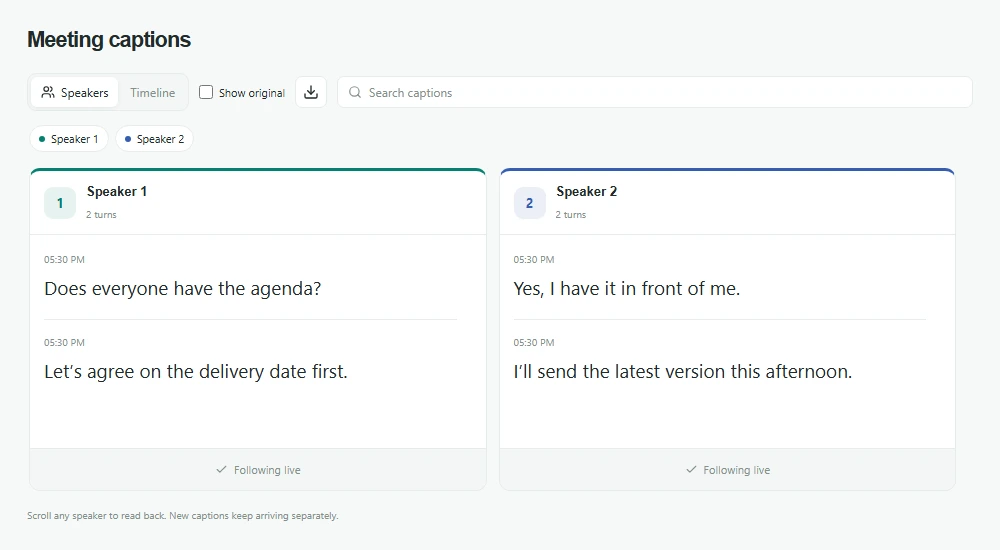
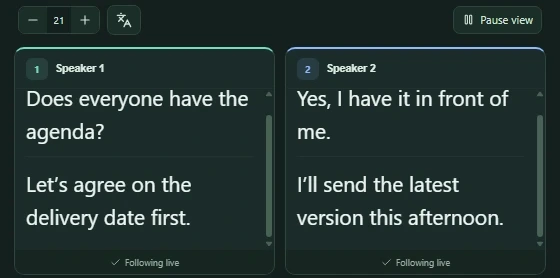
Float translated captions above your call.
Guest access
Keep the meeting link.
Add a guest pass.
Create a pass for one guest in Interpres and send it with the link you already use. Your guest picks a language and connects to the same call.
What does a guest need to join?
Connect the Chrome extension and select your meeting tab. Your guest opens their pass in Chrome, connects the extension and allows microphone access.
Interpres Web offers 10 output languages. English, Turkish, Spanish, French, German, Portuguese, Russian, Japanese, Korean, Chinese.
Explore Interpres for installed meeting appsPrepare your invitation
Personal voice uses an enrolled and enabled voice profile.
I’ll send you an Interpres guest pass with our meeting link. Open the pass in Chrome, connect the extension, and choose Spanish to hear me and follow captions in your language. I’ll speak English.