 VoiceBridge by DAFK
One iPhone.
Two languages.
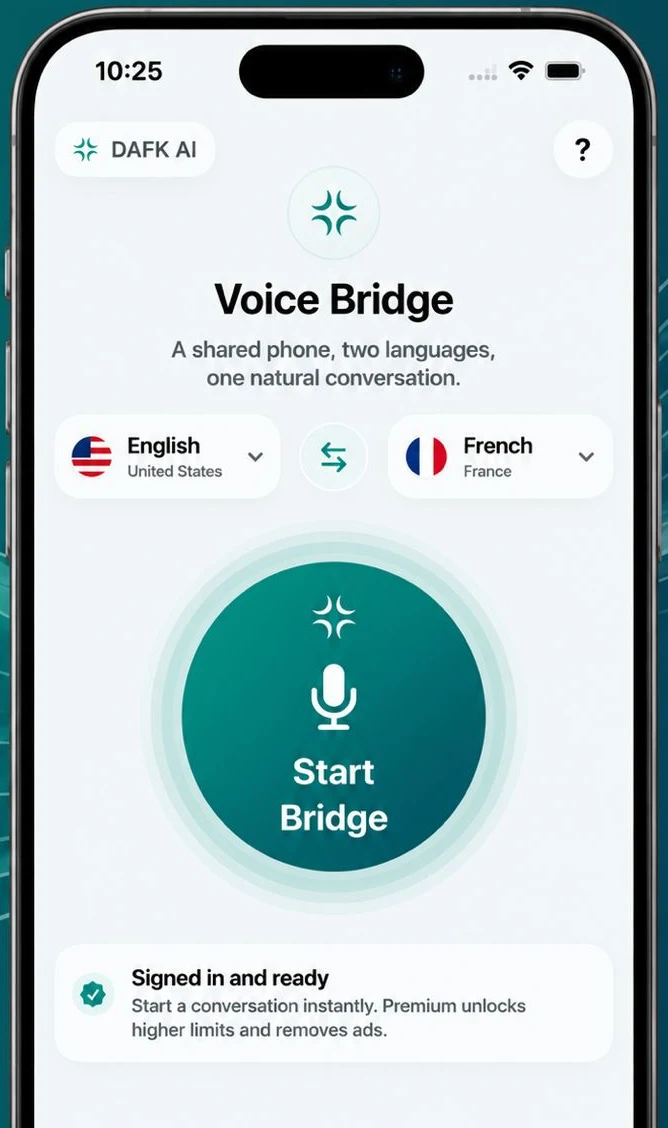
Translate a face-to-face conversation on one shared iPhone. Take turns speaking and hear each reply aloud in your language.
Free to download iOS 17 or later
“A coffee, please.”
« Un café, s’il vous plaît. »
Start a conversation.
Pick two languages
Choose one language for each person.
Tap Start Bridge
Leave the iPhone between you so both people can hear.
Take turns speaking
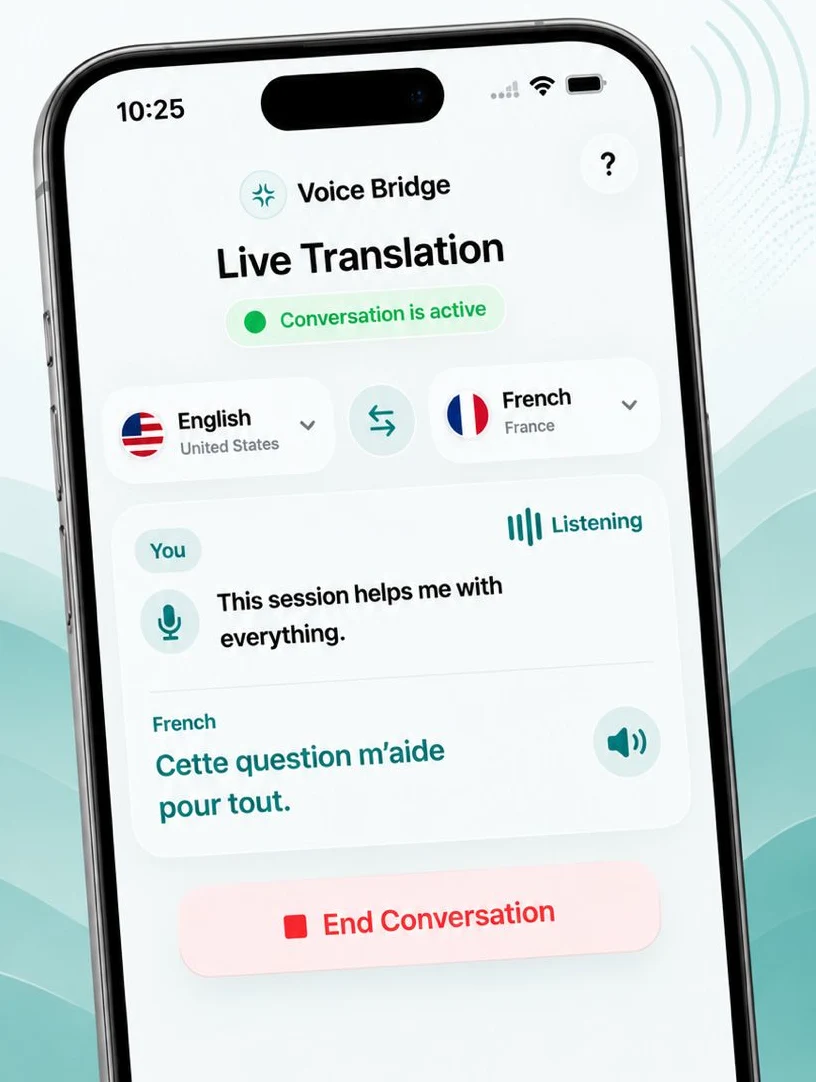
VoiceBridge says each translation aloud and shows the words on screen.
Inside VoiceBridge.
Read both sides as you talk.
Follow the original words and their translation on the same screen while VoiceBridge reads each reply aloud.
Choose any two of 13 languages.
The app interface is in English.
- English
- Spanish
- Portuguese
- French
- Japanese
- Russian
- Chinese
- German
- Korean
- Hindi
- Indonesian
- Vietnamese
- Italian
Try VoiceBridge free.
Download the app and start with guest access, or sign in for a larger free allowance.

Free
Try voice translation with a limited allowance.
- Guest access
- More free usage when you sign in
- Ads included
Premium
Monthly and yearly subscriptions.
- Higher translation limits
- Conversation summaries
- Ad-free use
See the App Store for current pricing in your region.
VoiceBridge support
Get help with translation, your account, or a Premium purchase.